Teach Python live, in the browser.
Create a room, share a 5-letter code, and code together. Students see your editor live, tick off tasks, and get help while you see every screen.
Start a room
Teacher picks a PIN and creates a room. Share the 5-letter code on the board.
Students join
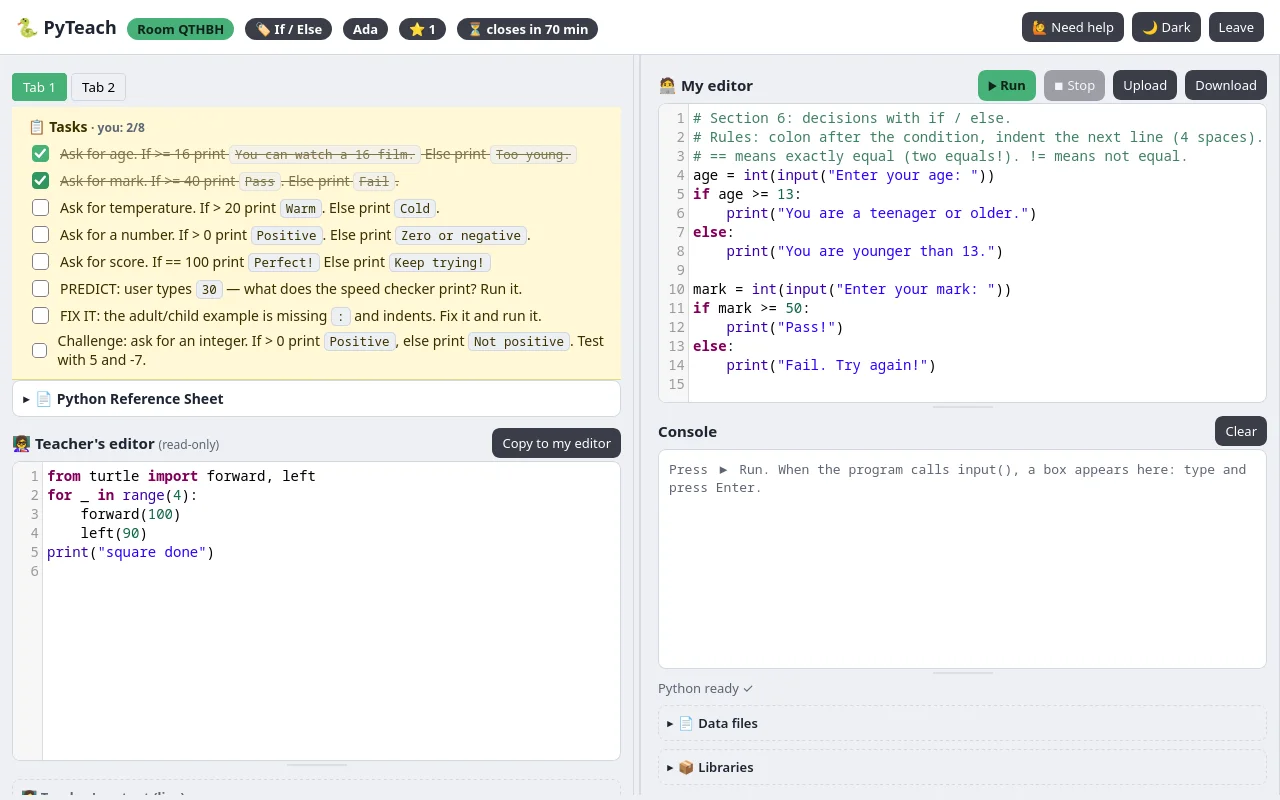
Students open the join page, enter the code + their name. Nothing to install.
Code together
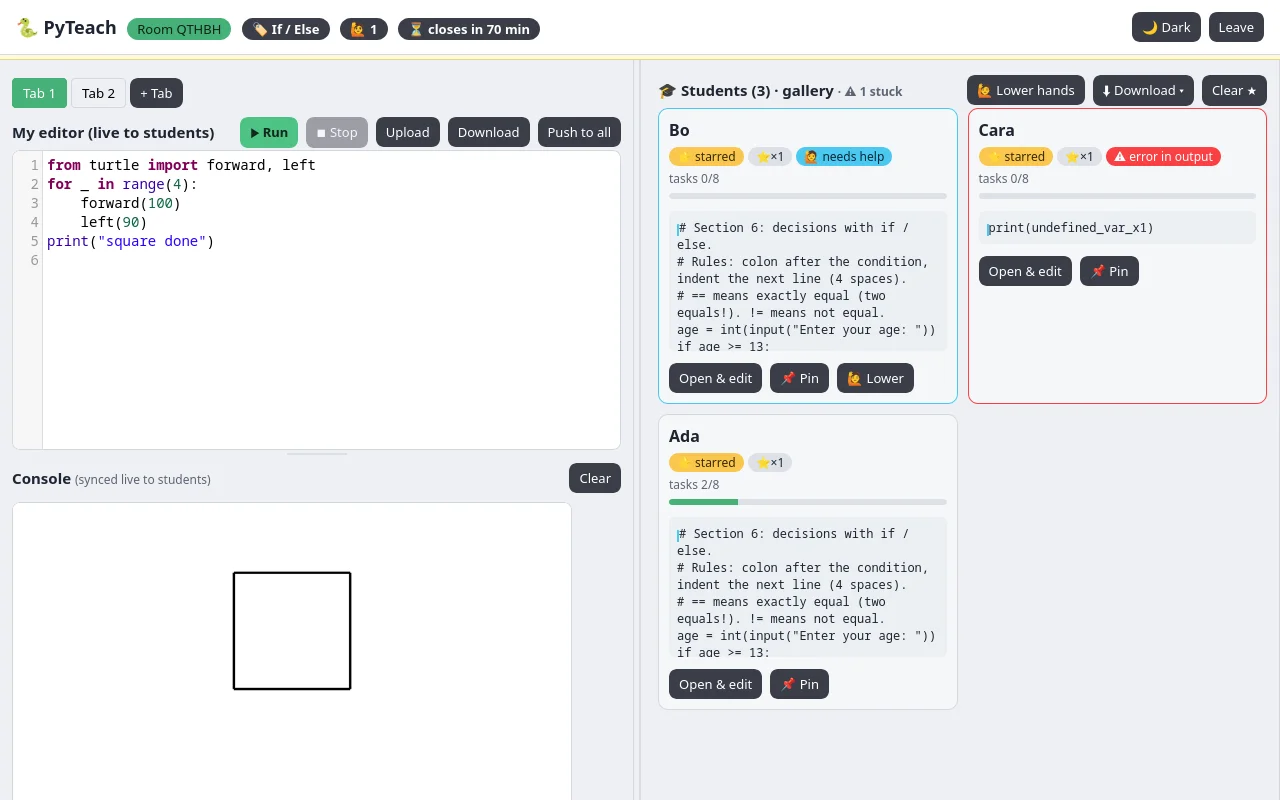
Type and your code appears on student screens. Open any student, edit live, push starters, star good work.
See it in action
Real screenshots from a live room: they follow your light/dark theme.
How it compares
✅ has it · ❌ doesn't · ⚠️ partial / slow work-around.
| Feature | PyTeach | Shared live editors | Solo tutorial sites | Local editor + projector | Remote viewing software | Assignment & auto-marking platforms |
|---|---|---|---|---|---|---|
| Start in seconds, nothing to install, no student accounts | ✅ | ✅ | ✅ | ❌ | ❌ | ❌ |
| Live gallery of every student screen | ✅ | ⚠️ | ❌ | ❌ | ⚠️ | ❌ |
| Type in a student's code live, two-way sync | ✅ | ⚠️ | ❌ | ❌ | ⚠️ | ❌ |
| Push starter code to the whole class in one click | ✅ | ⚠️ | ❌ | ❌ | ⚠️ | ⚠️ |
| Task checklist with live progress bars | ✅ | ❌ | ⚠️ | ❌ | ❌ | ⚠️ |
| Multiple workspaces (up to 3 tabs) per room | ✅ | ⚠️ | ❌ | ⚠️ | ❌ | ⚠️ |
| Stars, hands-up and stuck-on-error flags | ✅ | ❌ | ❌ | ❌ | ⚠️ | ❌ |
| Ready-made classroom starters | ✅ | ✅ | ✅ | ❌ | ❌ | ✅ |
| Run Python in the browser, friendly errors | ✅ | ✅ | ✅ | ❌ | ❌ | ✅ |
| Collect all work at the end in one download | ✅ | ⚠️ | ❌ | ⚠️ | ⚠️ | ⚠️ |
| Built for the live classroom, not homework alone | ✅ | ✅ | ❌ | ⚠️ | ⚠️ | ❌ |
| In-editor reference sheet (SEC exam sheet) | ✅ | ❌ | ⚠️ | ❌ | ❌ | ⚠️ |
| Past-paper exam starters (short + long questions) | ✅ | ❌ | ⚠️ | ❌ | ❌ | ⚠️ |
| Timed assessment mode (auto-collect zip) | ✅ | ❌ | ❌ | ❌ | ❌ | ⚠️ |
| Paste detection flag | ✅ | ❌ | ❌ | ❌ | ❌ | ⚠️ |
| Friendly error hints | ✅ | ❌ | ⚠️ | ❌ | ❌ | ⚠️ |
Vs shared live editors
You see everyone, and you can step into anyone's code.
Shared editors give the class one common page. PyTeach gives every student their own page plus your live demo side-by-side, a gallery of all screens, one-click push-to-all, task tick-off, and stars / hands / stuck flags.
Vs solo tutorial sites
They teach one learner alone, after class.
Great for homework and revision with quizzes and certificates. They cannot show you a live room, let you push a starter, watch progress bars move, or jump into a stuck student's editor.
Vs local editor + projector
No more walk-around and squinting.
A projector is one-way and the class copy is on paper or the board. Local editors need installs and version fixes. Collecting work means slow hand-up through a class assignment app or memory sticks. PyTeach runs in the browser, shows every screen from your desk, and zips all work in one click.
Vs remote viewing software
Code sync, not screen takeover.
Remote viewers show pixel thumbnails and take over one desktop at a time, with agents and licences to manage. There is no shared Python sync, no task list, no error-linked stuck flag. PyTeach syncs the code both ways with carets, so help is a quiet edit, not a full remote-control session.
Vs assignment & auto-marking platforms
They mark work after class.
These are great at marking work after class: assignments, tests and gradebooks that students complete in their own time. PyTeach is built for the live lesson — you see every screen, push a starter to the whole class, and step into a stuck student's code in the moment. Use them for homework and grading; use PyTeach to actually teach.
Practice worksheets
Printable PDFs matching the in-class starters. Click a page to download. Hand them out or set them as homework.
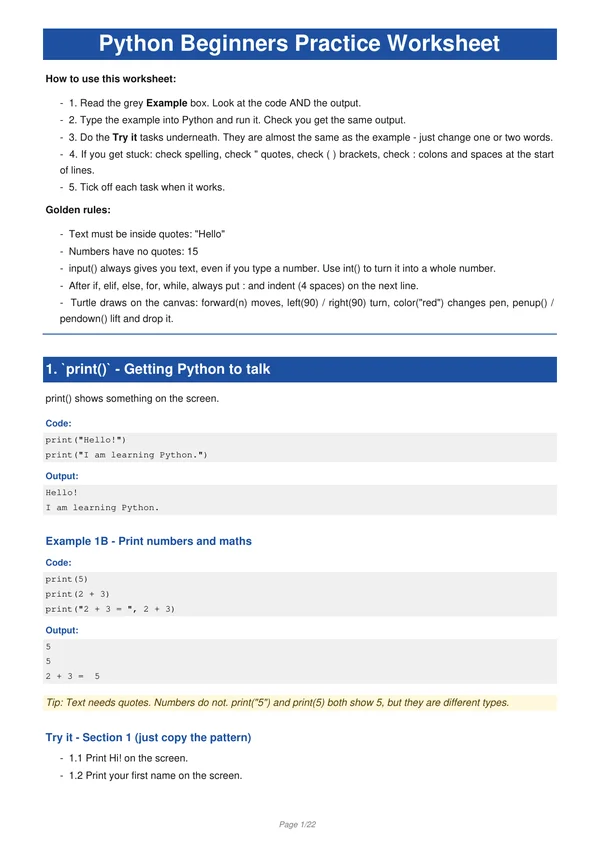
Beginners worksheet
- 1.
print()— Getting Python to talk - 2. Variables — Storing things in boxes
- 3.
input()— Asking the user to type - 4. Maths in Python —
+ - * / - 5.
int()andfloat()— Turning input into numbers - 6.
ifandelse— Making decisions - 7.
elif— More than two choices - 8. Special number jobs —
%, rounding, circle area - 9. Strings — Playing with words
- 10.
forloops — Repeat without copy-paste - 11. Turtle — Draw shapes with code
- 12.
whileloops — Repeat until something happens - 13. Final Mini-Projects — Pick one (or do all three!)
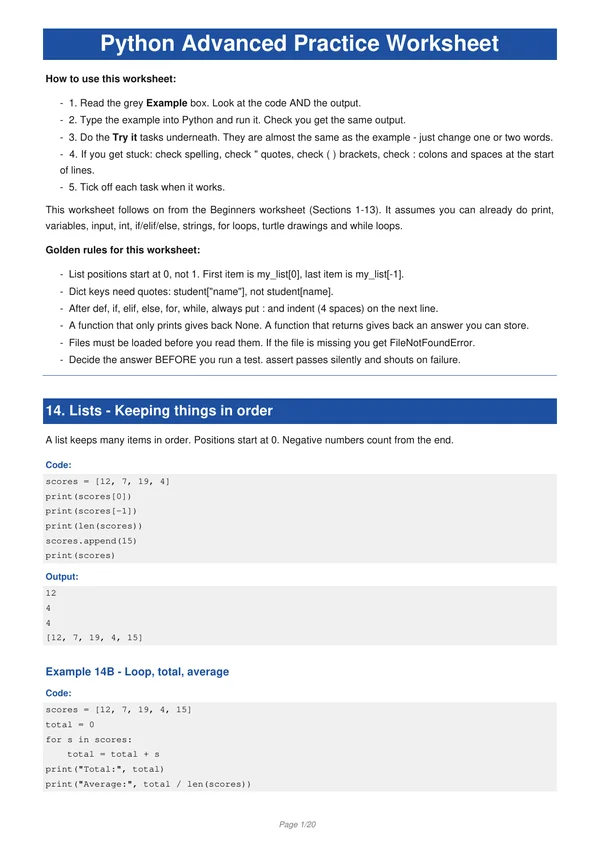
Advanced worksheet
- 14. Lists — Keeping things in order
- 15. Dicts — Labelled boxes and mini datasets
- 16. Functions — Define once, call often
- 17. Files + CSV — Load, clean, sort data
- 18. Statistics — Mean, median, mode + text charts
- 19. Text analytics — Count and clean words
- 20. Search — Linear vs binary
- 21. Sorting — Selection and bubble, count the work
- 22. Recursion + quicksort (HL stretch)
- 23. Ciphers — Caesar and substitution
- 24. Models — Rules plus a hand-fit line
- 25. Simulation — Dice models and what-ifs
- 26. Testing — Prove it works with asserts
- 27. Final Mini-Projects — Pick one (or do all three!)
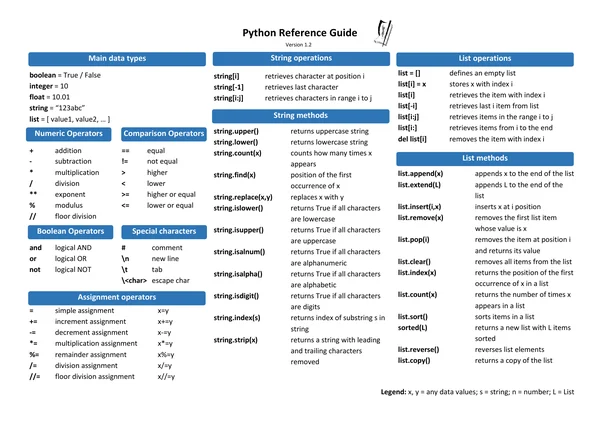
SEC Python Reference Guide
The official 2-page exam sheet.